What Is WhatsApp Business API? A Complete Guide (2026)
What Is WhatsApp Business API? A Complete GuideIf you've ever gotten an order
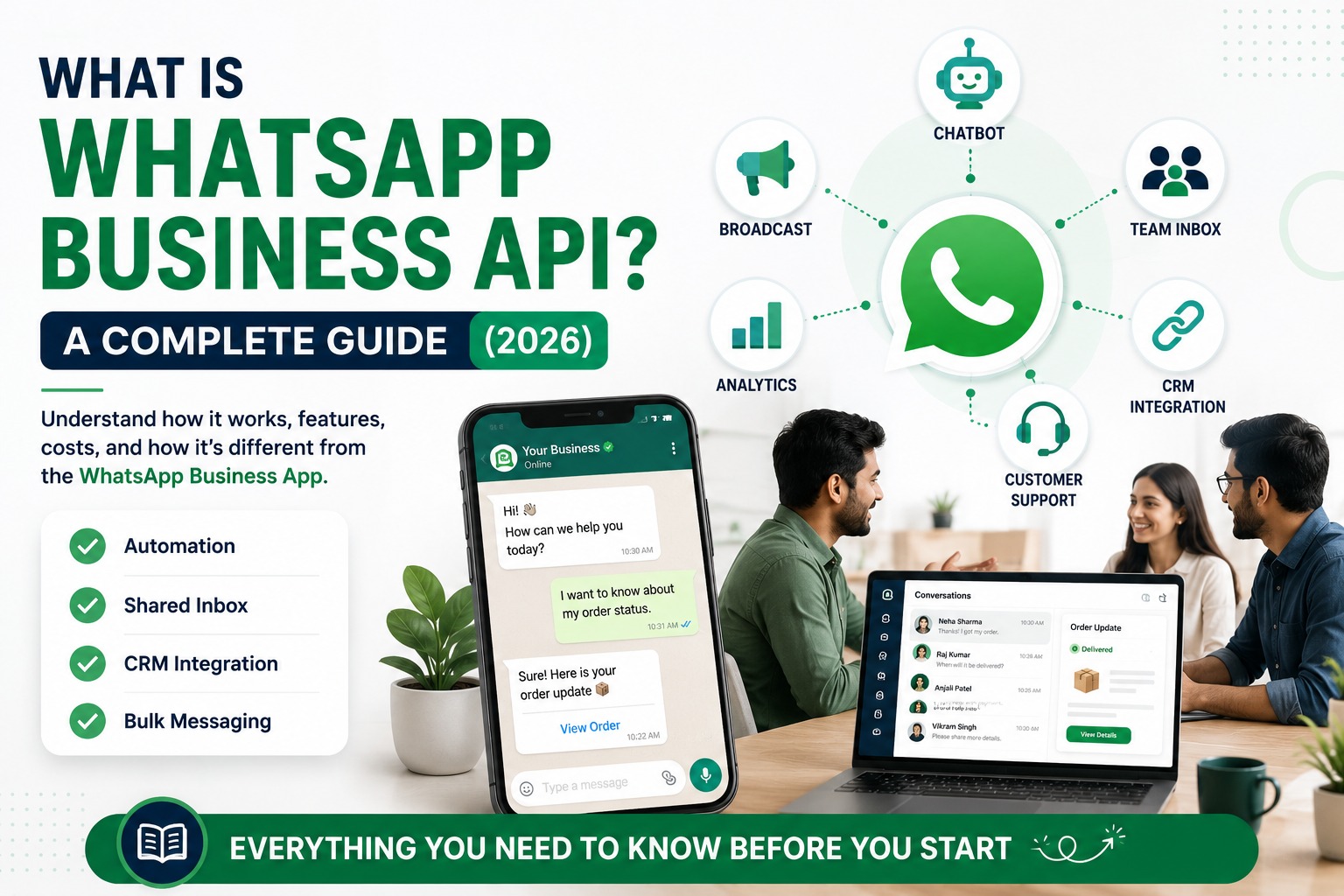
What Is WhatsApp Business API? A Complete Guide
If you've ever gotten an order confirmation, a delivery update, or a support reply on WhatsApp from a company not a person you've already used WhatsApp Business API without realizing it.
For businesses, though, understanding what this actually is (and isn't) matters a lot before you invest time or money into it. Is it the same as the free WhatsApp Business App? Do you need a developer to set it up? What does it actually cost? Can any business use it?
This guide answers all of that in plain language no jargon left unexplained so you can decide whether it's the right channel for your business, and what to look for when you're ready to set it up.
Table of Contents
What Is WhatsApp Business API? (Definition)
How WhatsApp Business API Works
WhatsApp Business App vs WhatsApp Business API
Who Uses WhatsApp Business API?
Core Features and Capabilities
Benefits of WhatsApp Business API
How Much Does It Cost?
Limitations to Know Before You Start
How to Get Access
Best Practices
Common Mistakes
Comparison Table
FAQs
Conclusion & CTA
1. What Is WhatsApp Business API? (Definition)
Definition: WhatsApp Business API officially part of what Meta now calls the WhatsApp Business Platform is a messaging infrastructure that lets medium and large businesses send and receive WhatsApp messages at scale, connect multiple team members to one number, and automate conversations using chatbots, CRMs, and other software.
Unlike the free WhatsApp Business App (designed for a single shop owner on one phone), the API has no built-in user interface of its own. Businesses access it through a Business Solution Provider (BSP) a company authorized by Meta, like SyncWABA which adds the interface, automation tools, and support layer on top of Meta's raw infrastructure.
In short: Meta owns the platform. BSPs make it usable for businesses.
2. How WhatsApp Business API Works
At a technical level, WhatsApp Business API operates through Meta's Cloud API (the current, Meta-hosted version, which replaced the older self-hosted "On-Premises API" that Meta has been phasing out). Here's the simplified flow:
A business registers a phone number with Meta through a BSP.
The BSP provides a dashboard, chatbot builder, CRM, or other tools connected to that number.
Messages sent to or from that number pass through Meta's servers, but the business interacts with them through the BSP's software.
For messages sent outside an active customer conversation (like a marketing broadcast or appointment reminder), the business must use a pre-approved message template — a fixed structure Meta reviews for compliance before it can be sent.
Within an active 24-hour customer service window (triggered when a customer messages first), businesses can send free-form replies without a pre-approved template.
This template-and-window system exists to prevent spam it's why WhatsApp API can't be used the way SMS blasting or cold email is.
3. WhatsApp Business App vs WhatsApp Business API
This is the single most common point of confusion, so here's a direct comparison:
| Feature | WhatsApp Business App | WhatsApp Business API |
|---|---|---|
| Cost | Free | Paid — conversation-based fees + provider platform fee |
| Devices/users | 1 phone (or up to 4 linked devices) | Unlimited agents via a shared inbox |
| Automation | Basic greeting/away messages | Full chatbot, flow builder, AI-driven automation |
| CRM/helpdesk integration | Not supported | Fully supported |
| Bulk/marketing messaging | Not supported (risk of ban) | Supported via approved templates |
| Green tick verification | Not available | Available (Meta's discretion) |
| Setup | Instant, self-serve | Requires business verification through a BSP |
| Best for | Solo entrepreneurs, small shops | Teams, growing businesses, enterprises |
Verdict: If you're a single person replying to a handful of chats a day, the free app is enough. The moment you have a team, need automation, or want to run outbound campaigns, the API becomes necessary.
4. Who Uses WhatsApp Business API?
WhatsApp Business API is used across a wide range of company sizes and sectors, including:
E-commerce and D2C brands order updates, abandoned cart recovery, COD confirmation
SaaS and IT companies customer support, onboarding automation
Healthcare providers appointment reminders, report notifications
Educational institutions admissions follow-up, fee reminders
Real estate agencies lead capture and qualification
Banking and financial services transaction alerts, KYC reminders (subject to strict compliance requirements)
Travel and hospitality booking confirmations, itinerary updates
It's not limited to large enterprises many small and mid-sized businesses adopt it as soon as more than one person needs to manage customer conversations, or once manual WhatsApp replies start slowing the business down.
5. Core Features and Capabilities
Depending on the BSP, WhatsApp Business API deployments typically include:
Shared team inbox — multiple agents replying from one number without overlap
Chatbot / AI automation — handling FAQs, order status, and lead qualification without human involvement
Flow builder — no-code, structured conversation flows (bookings, forms, surveys)
Bulk messaging and campaign tools — sending approved marketing or informational broadcasts
CRM — tracking customer history, tags, and conversation context
Forms — collecting structured data (like a lead form) inside a chat
Analytics — delivery rates, response times, campaign performance
REST API and webhooks — for developers building custom integrations
Green tick verification — an official badge Meta may grant to verified, notable businesses
6. Benefits of WhatsApp Business API
Higher engagement than email or SMS — WhatsApp messages are opened at a much higher rate than typical marketing email, since customers already check WhatsApp frequently throughout the day.
Faster resolution times — chatbots and shared inboxes reduce the time customers wait for a reply.
Scalable team collaboration — support, sales, and marketing can all work from the same number without confusion.
Rich message formats — images, documents, product catalogs, and interactive buttons, not just plain text.
Better data and reporting — unlike the free app, the API gives visibility into delivery, read rates, and campaign performance.
Official trust signal — a verified business number with (optionally) a green tick badge builds more credibility than a personal-looking number.
7. How Much Does It Cost?
WhatsApp Business API pricing has two layers:
Meta's conversation-based charges — Meta charges per 24-hour conversation, categorized by type (for example, service conversations initiated by the customer vs. marketing or utility conversations initiated by the business). Rates vary by country and conversation category, and Meta updates these periodically, so it's best to check current rates directly with your BSP or Meta rather than rely on a fixed number.
The BSP's platform fee — this is the cost of the software layer (chatbot, CRM, shared inbox, support) built on top of Meta's raw API access. This varies significantly between providers and is usually structured as a monthly or usage-based subscription.
Practical tip: When comparing providers, always ask for a breakdown of Meta's pass-through conversation charges versus the provider's own platform fee — bundling the two together can make it hard to compare pricing fairly across vendors.
8. Limitations to Know Before You Start
You can't message anyone who hasn't opted in. WhatsApp API requires proper consent — you can't import a random contact list and start messaging.
New numbers start with a limited messaging tier. Meta gradually increases how many unique customers you can message per day based on your number's quality rating.
A dropping quality rating restricts your reach. High block/report rates from recipients reduce your messaging limits.
Marketing messages require pre-approved templates. You can't send free-form promotional content outside the 24-hour window.
Setup isn't instant. Business verification and template approval can take anywhere from a few days to a couple of weeks depending on documentation and Meta's review queue.
9. How to Get Access
Choose a Business Solution Provider (like SyncWABA) — most businesses cannot get Cloud API access directly from Meta without going through one.
Register or migrate your business phone number.
Complete Meta Business verification for your Business Manager account.
Submit your first message templates for approval.
Set up your chatbot, flow, or shared inbox based on your use case.
Integrate with your CRM or e-commerce platform, if needed.
Optionally apply for green tick verification.
Go live and monitor performance through your analytics dashboard.
10. Best Practices
Start with transactional templates (order confirmations, reminders) — these get approved faster than promotional ones.
Always collect explicit opt-in consent before adding a contact to any messaging list.
Use the 24-hour window for free-form replies whenever possible instead of relying only on templates.
Monitor your quality rating regularly — a drop restricts how many people you can message per day.
Segment your audience before sending bulk campaigns; relevance protects both engagement and your quality score.
11. Common Mistakes to Avoid
❌ Assuming the free Business App and the API are interchangeable
❌ Messaging contacts without consent (leads to blocks, reports, and number restrictions)
❌ Choosing a BSP based on price alone without checking integration and support quality
❌ Ignoring the messaging tier limits assigned to new numbers
❌ Launching a chatbot without testing it against real customer questions first
12. Comparison Table: Manual WhatsApp vs API-Powered Automation
| Factor | Manual (Business App) | WhatsApp API |
|---|---|---|
| Team collaboration | Difficult beyond 1–2 people | Shared inbox for unlimited agents |
| Automation | Basic auto-replies only | Full chatbot and flow automation |
| Marketing campaigns | Manual, risk of ban | Automated, compliant bulk sending |
| Reporting | None | Full analytics dashboard |
| Integrations | None | CRM, e-commerce, helpdesk, custom API |
| Scalability | Limited | Built for growth |
FAQs
1. What is WhatsApp Business API?
WhatsApp Business API is part of Meta's WhatsApp Business Platform, designed for businesses that need multiple team members, automation, and integrations rather than a single-phone setup. It's accessed through an authorized Business Solution Provider (BSP), which adds the software layer — chatbot, CRM, shared inbox — on top of Meta's raw messaging infrastructure.
2. Is WhatsApp Business API free?
No. While Meta's WhatsApp Business App is free, the API involves conversation-based charges from Meta plus a platform fee from your BSP. Costs vary by country, conversation type, and provider, so it's best to request a quote based on your expected message volume.
3. Who can use WhatsApp Business API?
Any registered business can apply for access through a BSP, regardless of size. It's commonly used by e-commerce brands, SaaS companies, healthcare providers, educational institutions, and financial services, among others.
4. Do I need a developer to set up WhatsApp Business API?
Not necessarily. Many BSPs, including SyncWABA, offer no-code chatbot and flow builders that non-technical teams can use. Developers are typically only needed for custom integrations via REST API and webhooks.
5. What is a Business Solution Provider (BSP)?
A BSP is a company authorized by Meta to give businesses access to the WhatsApp Business Platform, along with additional tools like chatbots, CRM, and analytics. Most businesses cannot access the Cloud API directly from Meta and instead go through a BSP for onboarding, billing, and support.
6. Can I use my personal WhatsApp number for the API?
You can migrate an existing number to the WhatsApp Business Platform, but once migrated, it can no longer be used on the regular WhatsApp Business App or personal WhatsApp at the same time.
7. What is a message template, and why do I need one?
A message template is a pre-approved message structure required for messages sent outside the 24-hour customer service window — for example, marketing broadcasts or reminders. Meta reviews templates for compliance before they can be used, which helps prevent spam.
8. What is the 24-hour customer service window?
It's the period after a customer sends a message during which a business can reply with free-form text, without needing a pre-approved template. Outside this window, only approved templates can be sent.
9. What is WhatsApp green tick verification?
The green tick is an official verification badge Meta may grant to notable, verified businesses. It's not guaranteed and is evaluated at Meta's discretion based on criteria like business authenticity and account quality.
10. How long does it take to get WhatsApp Business API set up?
Setup time depends on business verification speed and template approval, but most businesses can go live within a few days to a couple of weeks once documentation is submitted correctly.
11. Can WhatsApp Business API integrate with my CRM?
Most modern CRMs and helpdesk platforms can be integrated either through native connectors offered by your BSP or via REST API and webhooks for custom setups.
12. What happens if I message people who haven't opted in?
This violates WhatsApp's business policies and can lead to blocks, spam reports, and restrictions on your messaging number, including a lowered quality rating or account suspension.
13. Is WhatsApp Business API suitable for small businesses?
Yes, especially once a small business has more than one person handling customer conversations or wants to automate repetitive replies. Many BSPs offer plans scaled for smaller message volumes.
Conclusion
WhatsApp Business API isn't just "WhatsApp for companies" — it's an entirely different infrastructure layer built for teams, automation, and integration, wrapped in compliance rules that protect both businesses and customers from spam. Understanding the distinction between the free Business App and the API is the first step to deciding whether — and how — your business should adopt it.
Tags:
Ready to Get Started with WhatsApp Business API?
Join 1,000+ businesses using SyncWABA to grow with WhatsApp. Start free today!