How to Integrate WhatsApp API with CRM
How to Integrate WhatsApp API with CRM: A Complete Business Guide In today’s customer-centric business environment, speed and personalization are everything. Customers expect instant responses, real-time updates, and seamless communication. This is where WhatsApp Business API combined with a CRM system becomes a game changer. Understanding how to integrate WhatsApp API with CRM can help businesses automate conversations, track customer interactions, and boost overall efficiency.
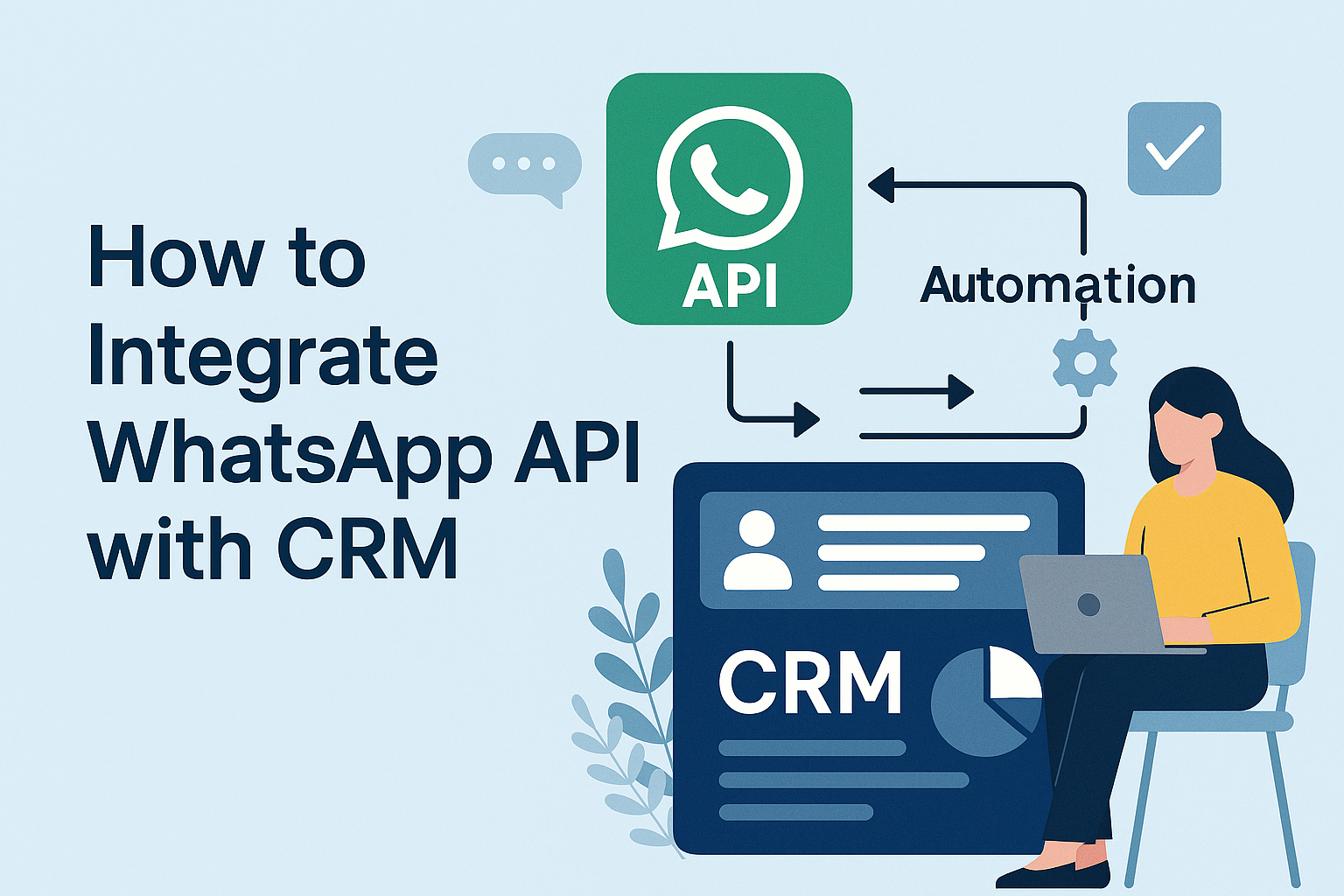
In today’s customer-centric business environment, speed and personalization are everything. Customers expect instant responses, real-time updates, and seamless communication. This is where WhatsApp Business API combined with a CRM system becomes a game changer. Understanding how to integrate WhatsApp API with CRM can help businesses automate conversations, track customer interactions, and boost overall efficiency.
This guide explains the integration process, benefits, and best practices in a simple and practical way.
What is WhatsApp API and CRM Integration?
WhatsApp API allows businesses to send and receive messages at scale using official WhatsApp infrastructure. A CRM (Customer Relationship Management) system stores customer data, interaction history, leads, and sales activity.
When WhatsApp API is integrated with CRM:
- All WhatsApp conversations are logged automatically
Customer chats are linked to their profiles
Teams can respond faster with context
Sales and support processes become automated
This integration transforms WhatsApp from a chat app into a powerful business communication channel.
Why Integrate WhatsApp API with CRM?
Before learning how to integrate WhatsApp API with CRM, it’s important to understand why businesses are adopting this approach.
Key benefits include:
-
Centralized communication – All chats in one dashboard
Faster response times – Automated replies and workflows
Better lead management – Track conversations from first message to conversion
Improved customer experience – Personalized messaging using CRM data
Data-driven decisions – Analytics on engagement and response rates
Industries like e-commerce, real estate, healthcare, education, and finance benefit greatly from this integration.
Step-by-Step: How to Integrate WhatsApp API with CRM
1. Choose an Official WhatsApp API Provider
The first step is selecting a trusted WhatsApp API provider that supports CRM integration. Platforms like SyncWaba offer scalable and secure WhatsApp API solutions designed for business automation.
2. Get WhatsApp Business API Approval
Register your business, verify your Facebook Business Manager account, and get your WhatsApp number approved. This ensures compliance with Meta’s policies.
3. Select or Prepare Your CRM
Your CRM should support API or webhook integration. Popular CRMs like Salesforce, Zoho, HubSpot, or custom-built CRMs can be connected with WhatsApp API.
4. Connect WhatsApp API with CRM
Using APIs or middleware:
-
Incoming WhatsApp messages are pushed into CRM
-
Outgoing messages are sent directly from CRM
-
Customer profiles are auto-updated with chat history
This step is usually handled by your WhatsApp API provider or technical team.
5. Create Message Templates
WhatsApp requires pre-approved templates for outbound messages such as notifications, reminders, or follow-ups. These templates can be triggered directly from CRM actions.
6. Automate Workflows
Once integrated, you can automate:
-
Lead follow-ups
Order confirmations
Appointment reminders
Support ticket updates
Payment notifications
Automation saves time and reduces manual errors.
Best Practices for WhatsApp API + CRM Integration
To get the best results:
-
Always take user consent before messaging
Use personalization (name, order details, status updates)
Avoid over-messaging to prevent opt-outs
Monitor delivery and response analytics
Train your sales and support teams
Following these practices ensures compliance and higher engagement.
Common Use Cases
Businesses use WhatsApp API with CRM for:
-
Sales lead nurturing
Customer support ticket updates
Marketing campaign follow-ups
Transactional alerts
Feedback and surveys
Each interaction becomes trackable and measurable inside your CRM.
Final Thoughts
Knowing how to integrate WhatsApp API with CRM gives businesses a powerful advantage in customer communication. It bridges the gap between messaging and data, allowing teams to work smarter, respond faster, and build stronger customer relationships.
If you’re planning to scale your communication and automate customer engagement, choosing a reliable platform like SyncWaba can simplify the entire integration process and help your business grow efficiently.
Tags:
Ready to Get Started with WhatsApp Business API?
Join 1,000+ businesses using SyncWABA to grow with WhatsApp. Start free today!